Luneo plugs into your ecosystem.
Sync your document systems, storage and business tools. Over 30 native connectors, and an open REST API with webhooks for everything else.
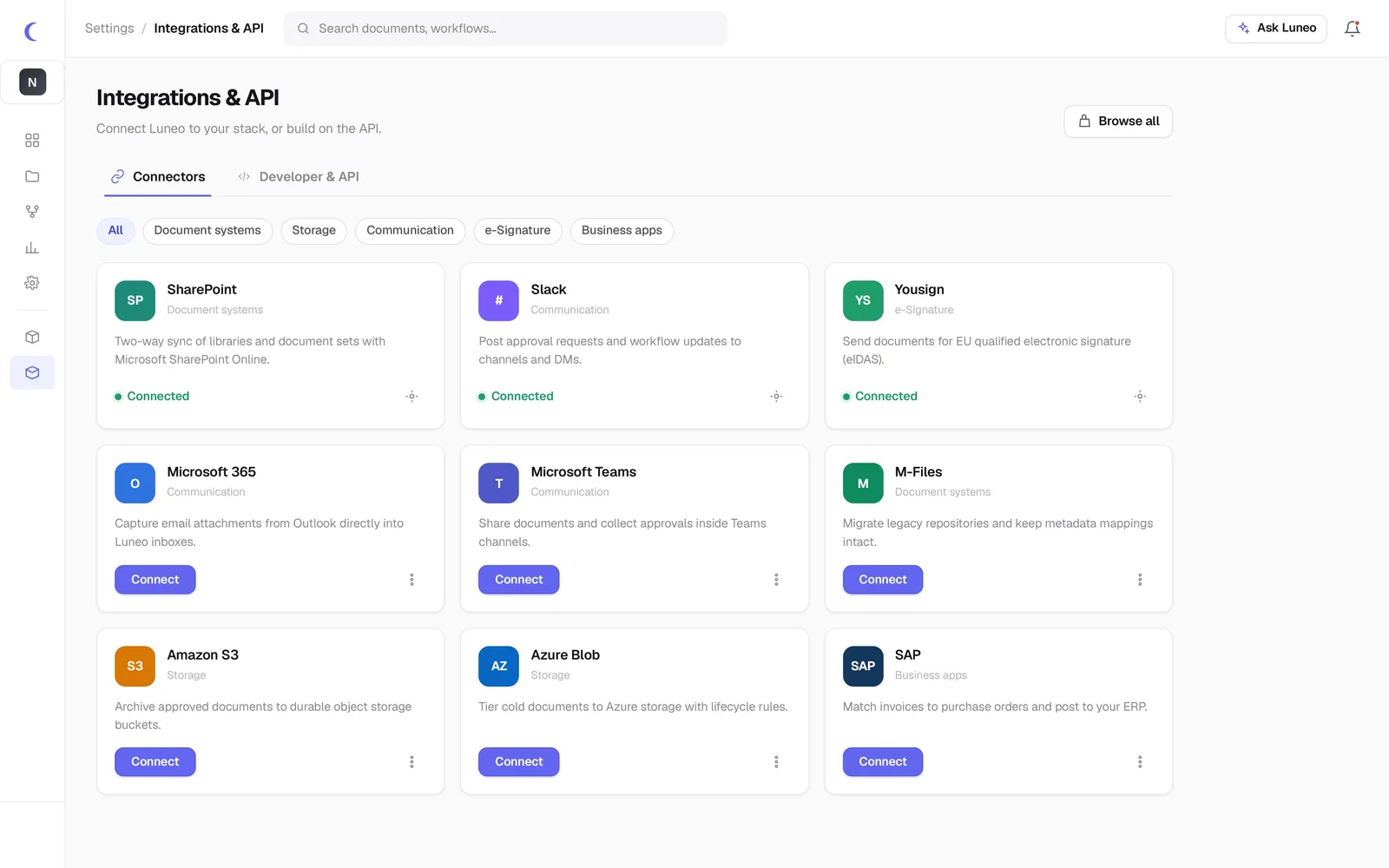
Find your connector
Search by name or filter by category. The list updates instantly.
An open platform, by design
Full REST API
Documents, workflows, metadata, search: everything is exposed.
Event webhooks
document.created, workflow.completed, signature.signed…
OAuth 2.0 & SSO
SAML, OIDC, SCIM. Extended API keys and fine-grained scopes.
Dedicated sandbox
An isolated test environment to develop without risk.
Transparent rate-limiting
Clear quotas, tracking headers, progressive scaling.
Living documentation
Interactive reference, per-language examples, changelog.
Everything you need to know about Luneo integrations
Which applications can Luneo connect natively?
Luneo offers more than 30 native connectors: SharePoint, M-Files, Alfresco, DocuWare, Outlook, Gmail, Microsoft Teams, Slack, SAP, Amazon S3, Azure Blob, DocuSign, Yousign, and many more. The list is regularly expanded.
Does Luneo have a public REST API?
Yes. Luneo exposes a complete, documented REST API (OpenAPI/Swagger) allowing you to integrate the platform with any third-party system: ERP, CRM, business portal, internal application. Webhooks are available to trigger real-time actions from Luneo.
How do I connect Luneo to an existing ERP or CRM?
The connection can be made via a native connector (if available) or via the REST API. Our team supports each deployment to configure data exchange flows between Luneo and your management system. The average deployment takes 4 weeks.
Connect Luneo to your stack
Tell us your tools: we check the connectors and show you the API in action. No commitment.